

Chapter 3
Working with bots
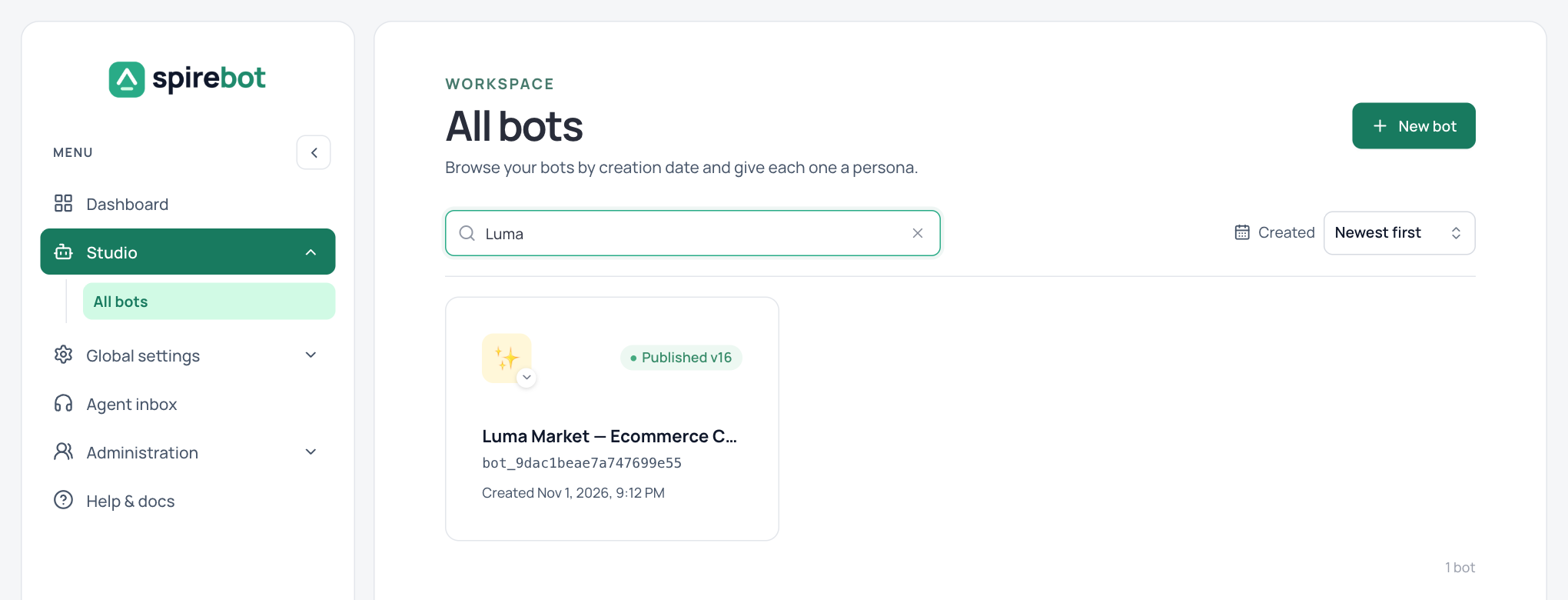
Every bot in the workspace is listed under Studio → All bots.
Each card shows the bot’s name, its published version, its ID, and when it was created. Search by name, or change the sort order with the Created control. Select a card to open the bot in the designer.
Create a bot
- Select New bot on the All bots page, or Create on the dashboard.
- Give the bot a name that describes its job.
- Open the bot and start with its first flow.
Move a bot between workspaces
Use Export bot and Import bot in the designer to copy a bot from one workspace to another.
Plan before you build
A strong bot is explicit about who it serves, what it can do, and when it should stop or transfer the conversation. Write a short brief first.
- Audience: who is speaking, in which channels and languages?
- Top tasks: the three to seven outcomes that matter most.
- Boundaries: requests the bot must refuse, redirect, or hand off.
- Success: how you will measure completion, handover, and failure.
- Ownership: who owns the content, who publishes, and which team answers live chats.
For every customer goal, sketch the shortest happy path, the likely wrong inputs, the path when a service is unavailable, and the route to a person. Keep one responsibility per flow.