

Chatbot studio
Design, publish, and run chatbots your team can stand behind.
Spire Bot is a visual studio for building customer conversations. Draw each flow on a canvas, test it before customers see it, publish it as a versioned release, and run it on web chat and WhatsApp Business with a handover to your own agents.
How it works
From first draft to live conversation in four steps
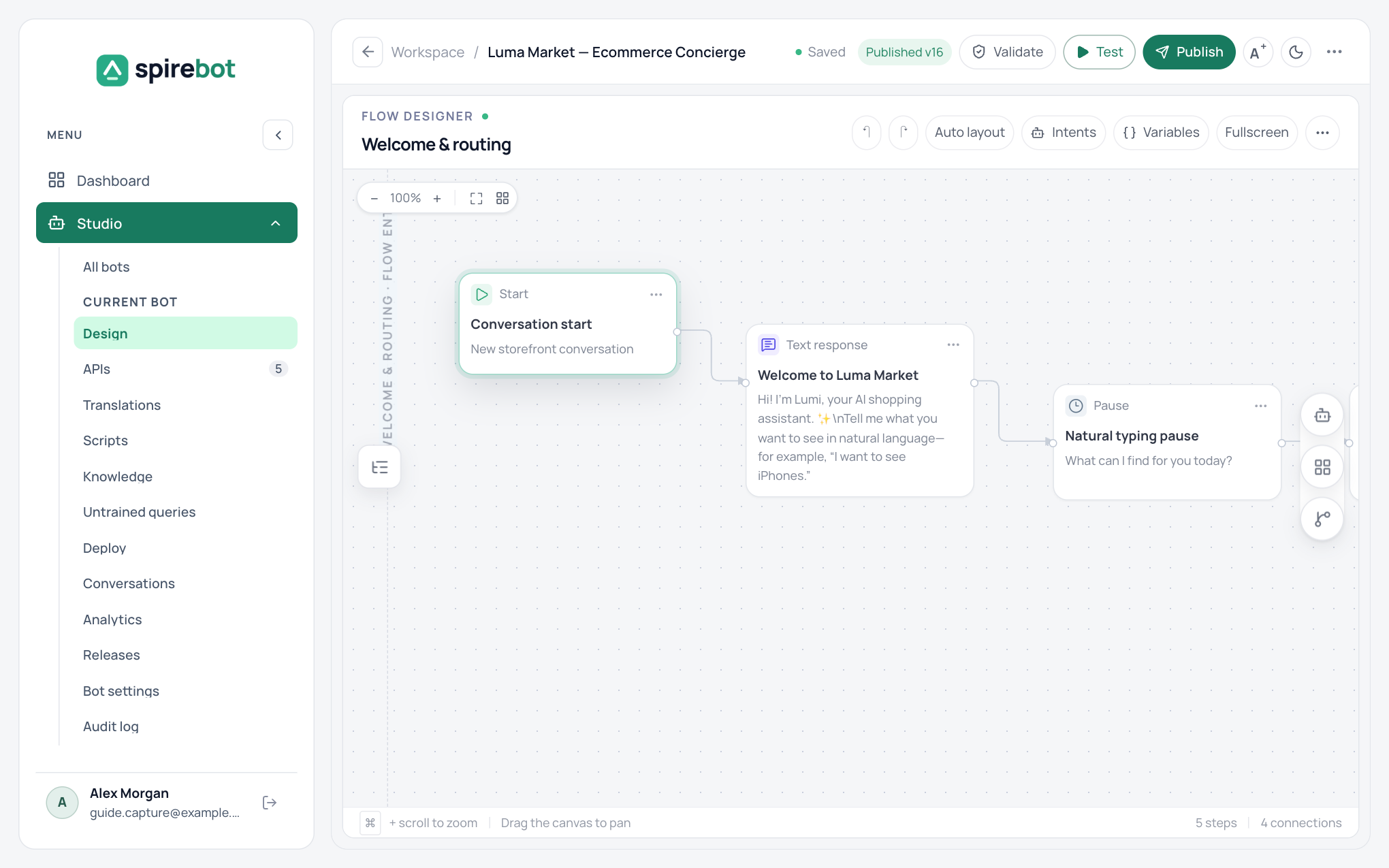
Design
Drag steps onto the canvas and connect them. Split the bot into flows, one per customer goal.
Test
Validate the draft for structural problems, then talk to it in the playground and read the trace of every step.
Publish
Publishing creates a numbered release that cannot be edited. Republish an earlier release at any time.
Deploy
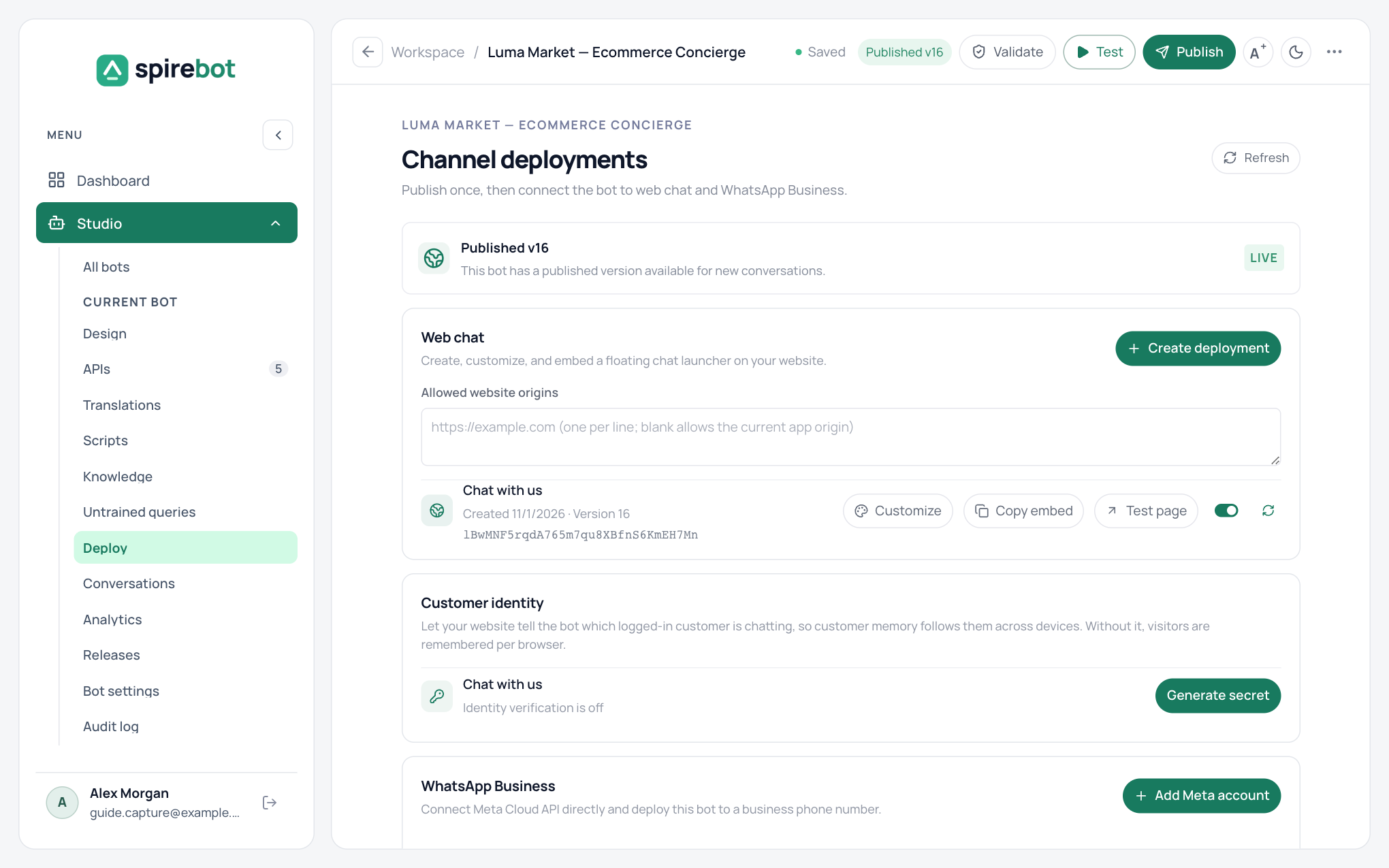
Embed the web chat widget on your site, connect a WhatsApp Business number, or do both.
What you get
Everything a bot team needs in one workspace
Builders, integrators, support agents, and administrators work in the same place, each seeing only what their role allows.
Visual flow designer
A drag-and-drop canvas with messages, menus, buttons, carousels, conditions, and jumps between flows.
Spire Bot Assistant
Describe a flow in plain words and get a draft proposal to review. It never publishes on its own.
Intents
Customers type what they want. The bot finds the right flow and collects the details it needs.
Knowledge answers
Answer from your own documents, with a check that every claim is supported by the source.
APIs and scripts
Call your systems through saved connections and reshape data with small sandboxed scripts.
Validation and testing
Catch structural problems before publishing and rehearse conversations against the draft.
Releases and rollback
Every publish is a numbered release. Conversations finish on the release they started with.
Analytics and traces
Review conversations step by step, track completion, and see the questions the bot could not answer.
Channels
Web chat and WhatsApp Business from the same bot
Build the conversation once. Spire Bot adapts text, buttons, lists, and carousels to each channel.
- A web chat widget you can style to match your site, with no code, and embed with one script.
- WhatsApp Business Cloud API support, including media, locations, contacts, approved templates, WhatsApp Flows, products, and catalogs.
- The 24-hour customer service window is enforced for you; only approved templates can be sent outside it.
Live support
Hand over to a person when the bot should stop
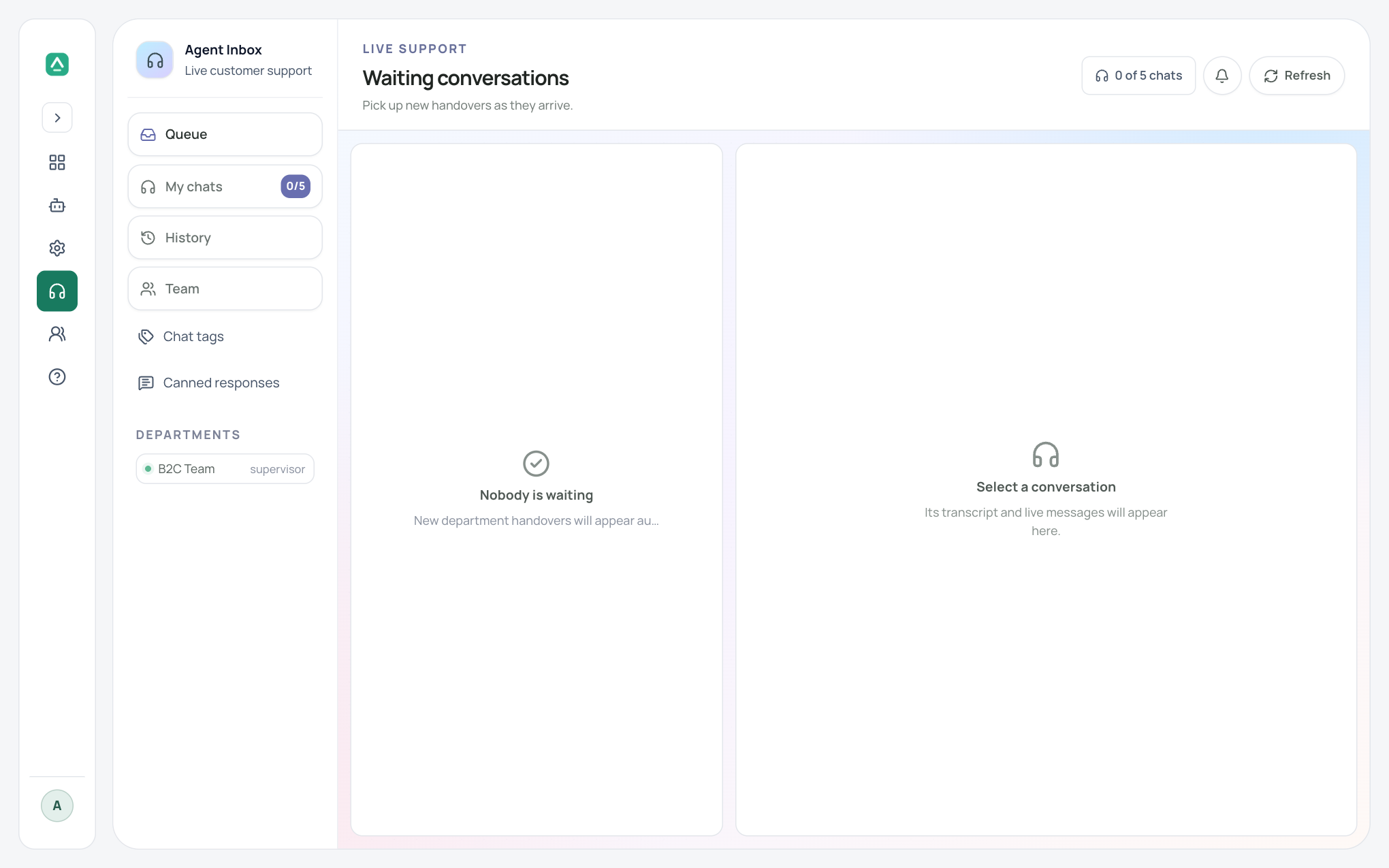
A Live Agent step passes the conversation to the right department. Agents claim it from a shared inbox with the transcript in front of them.
- Departments route chats to the team that owns the topic.
- Canned responses and chat tags keep replies fast and reporting consistent.
- Customers see the nickname and avatar an agent chooses, never the account email.
Security and governance
Controls for teams that answer to someone
- Role-based access: people see only the menus and actions their roles allow.
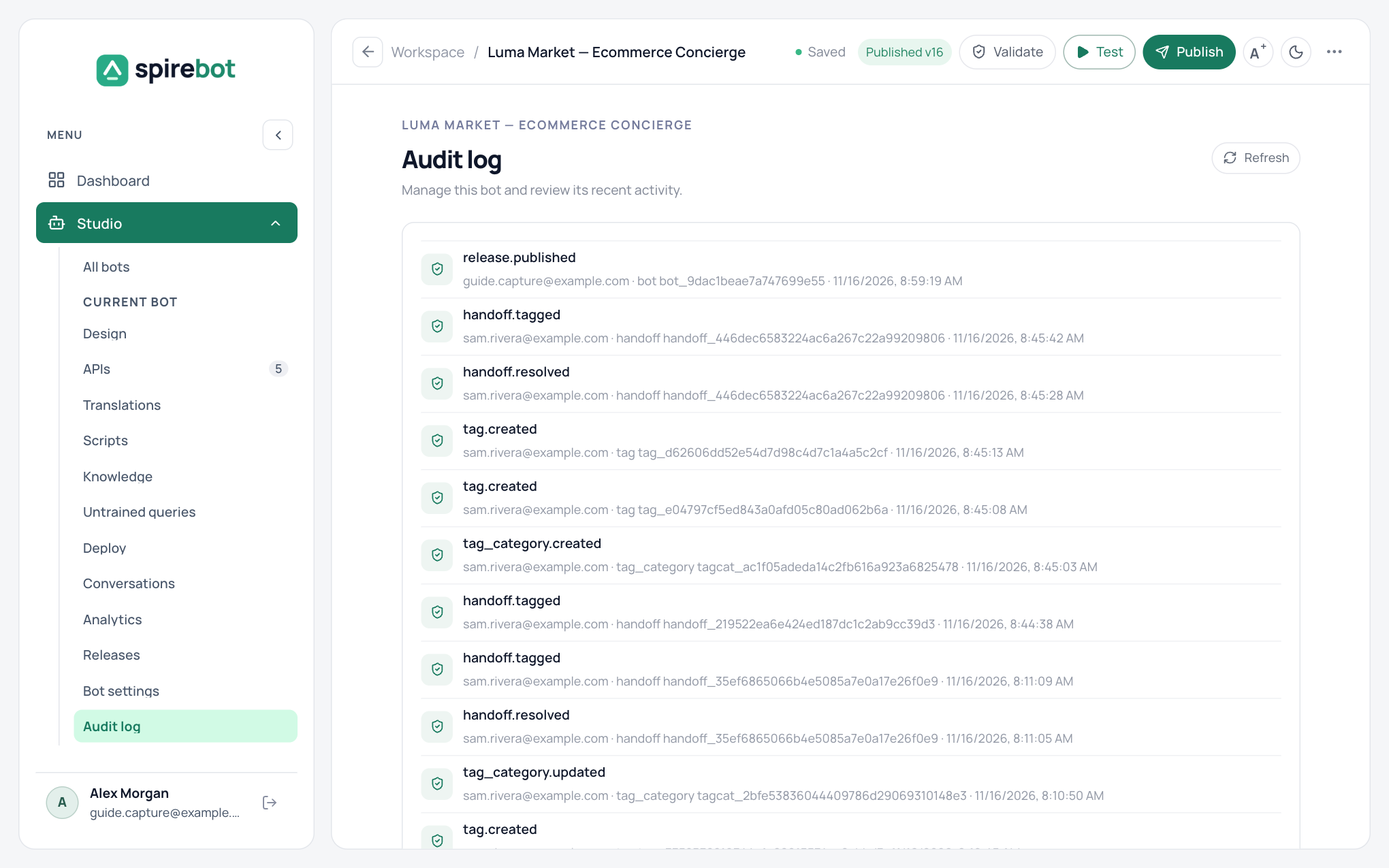
- Each bot keeps an audit log of who published or changed something, and when.
- API credentials are encrypted when stored and never copied into a bot.
- Outbound API calls go only to hosts you have saved as connections.
- Published releases cannot be edited, so what you tested is what runs.
- Values marked sensitive are kept out of traces and transcripts.
See Spire Bot with your own use case
Tell us what you want your bot to do. We will walk you through building it, from the first flow to a live conversation.