
Chapter 10
Operating and improving
Use what happens in production to decide what to fix next.
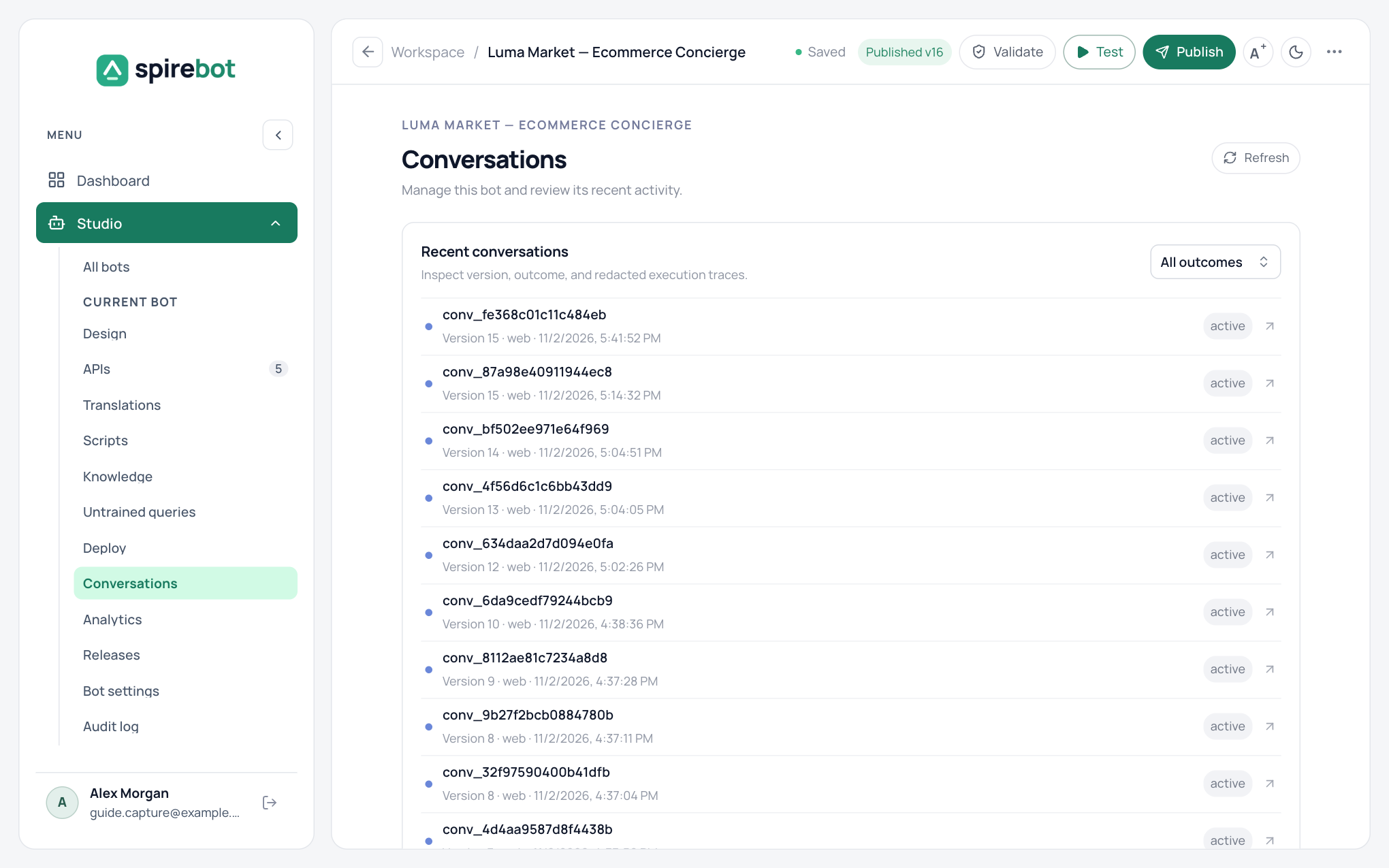
Conversations
Conversations in the bot menu lists recent conversations with their version, channel, time, and outcome. Filter by outcome, and select a conversation to see the trace of the steps it ran. Sensitive values are removed from the trace.
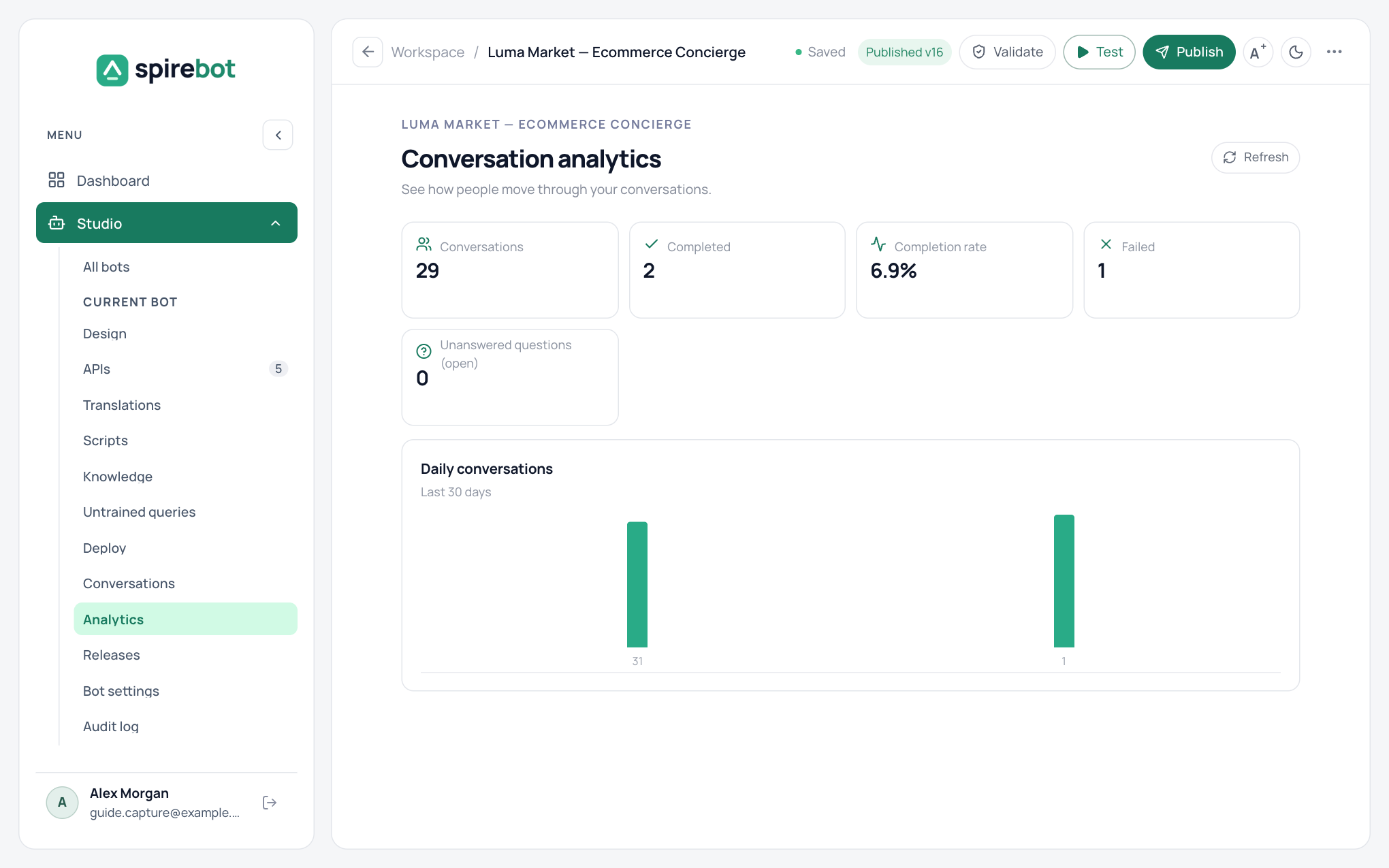
Analytics
Analytics shows the number of conversations, how many completed, the completion rate, how many failed, and how many unanswered questions are open, with daily volume for the last 30 days.
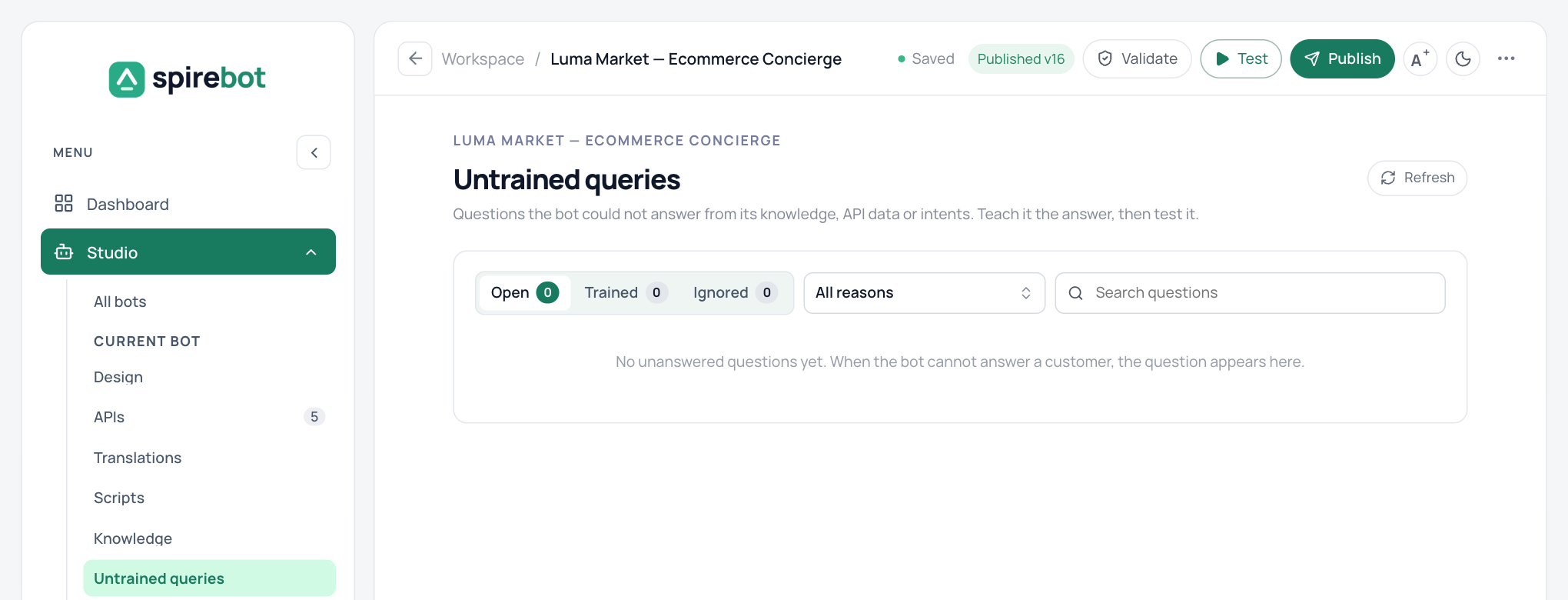
Untrained queries
A question appears under Untrained queries when the knowledge search finds nothing, when an answer could not be verified against the sources, when an API returned no data, or when a reply was not understood.
- Repeated questions are grouped and sorted by how often they were asked. Start at the top.
- Add answer saves a question and answer to knowledge. It is live at once.
- Add to intent adds the customer’s wording as an example of an existing intent. It takes effect after you publish.
- Ignore removes spam and out-of-scope questions from the open list.
- A trained question that fails again returns to the open list.
- Administrators and Bot Designers can train the bot. API Integrators and Analysts can review the list.
Observability
Administrators open Administration → Observability for the health of the whole workspace. The page refreshes every 30 seconds.
- Service health shows the database, cache, AI model, event delivery, and the background workers as Healthy, Down, or Unknown.
- Errors can be filtered by period and by bot. Select a frequent error to see only its occurrences.
- Error history is kept for 30 days and never contains customer text or credentials.
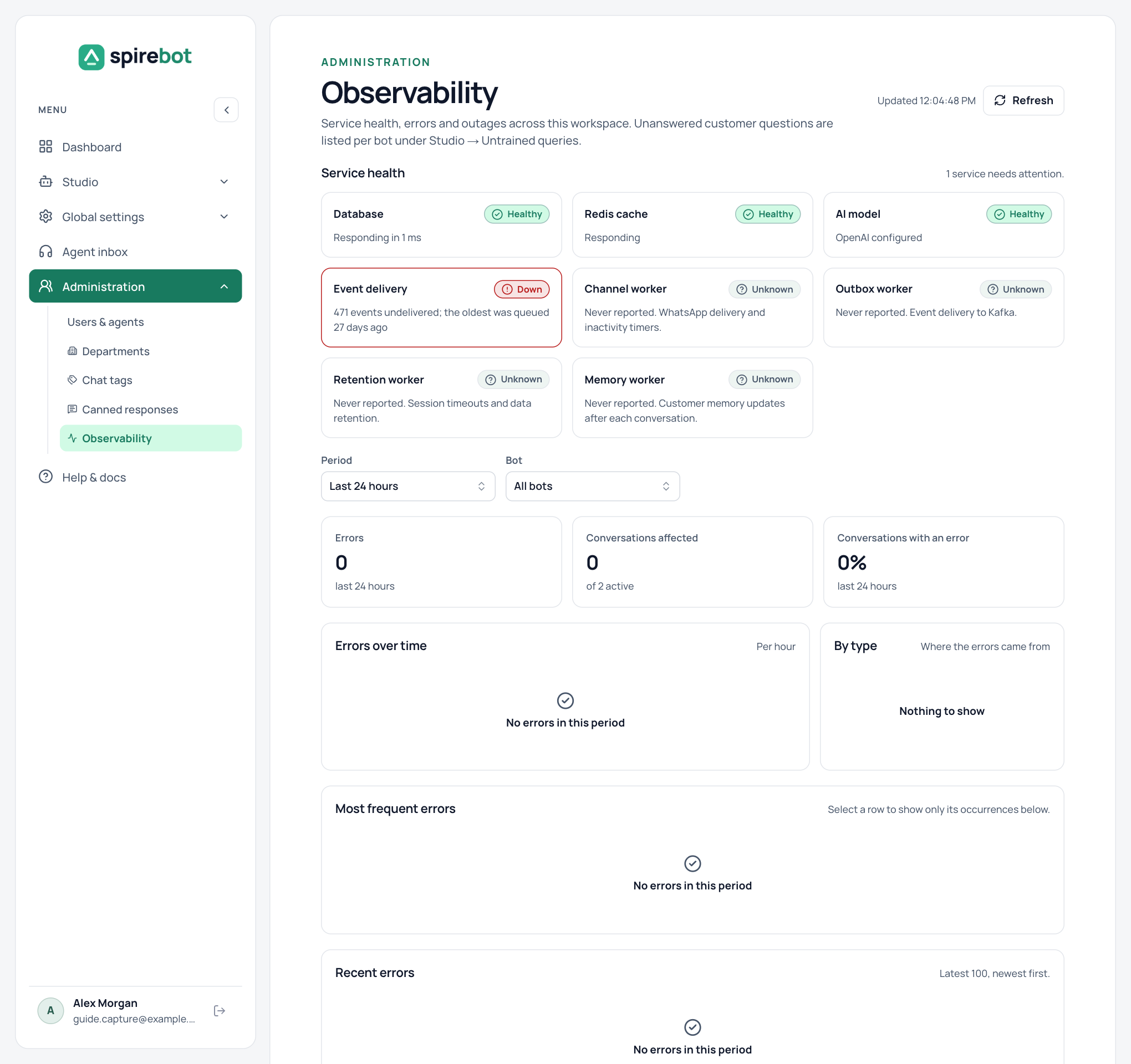
Unanswered questions and outages are kept apart. A question the bot could not answer is a training gap and goes to Untrained queries. A failed API call, model error, or timeout is an outage and goes to Observability.
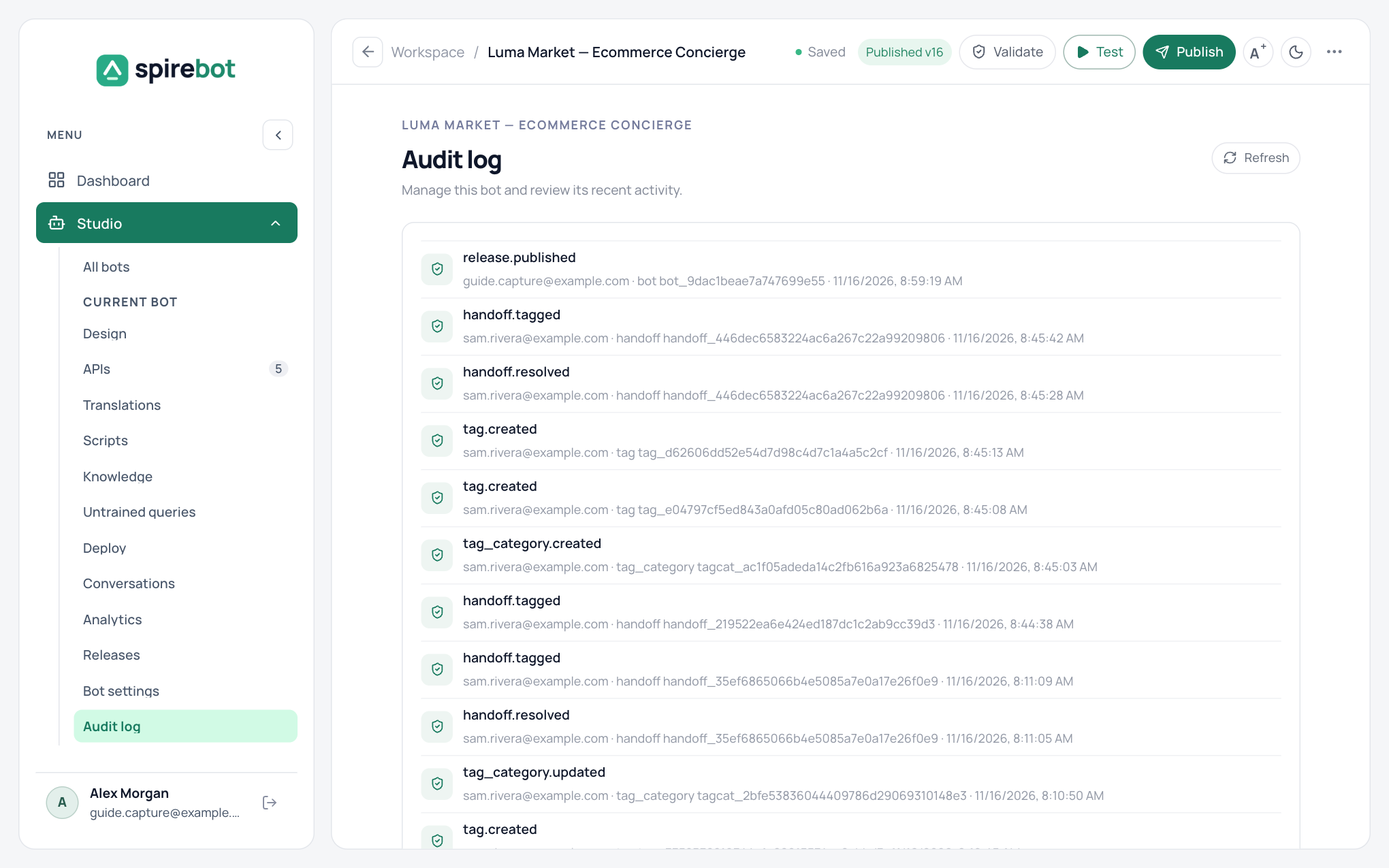
Audit log
Each bot keeps an Audit log of who published, resolved, tagged, or changed something, and when. It is visible to Administrators and Security Admins, and it records every role change.